CeeMate · GPA and CGPA calculator
Track your CGPA every semester
Calculate your GPA and CGPA, see how every semester went, and plan the grades you need, on your school's grading scale.
- 12 grading systems, from 4.0 to 10.0 scales
- What-If and target CGPA planning
- Course templates from your school
What you can do
Real screens from CeeMate, straight from the app.
-
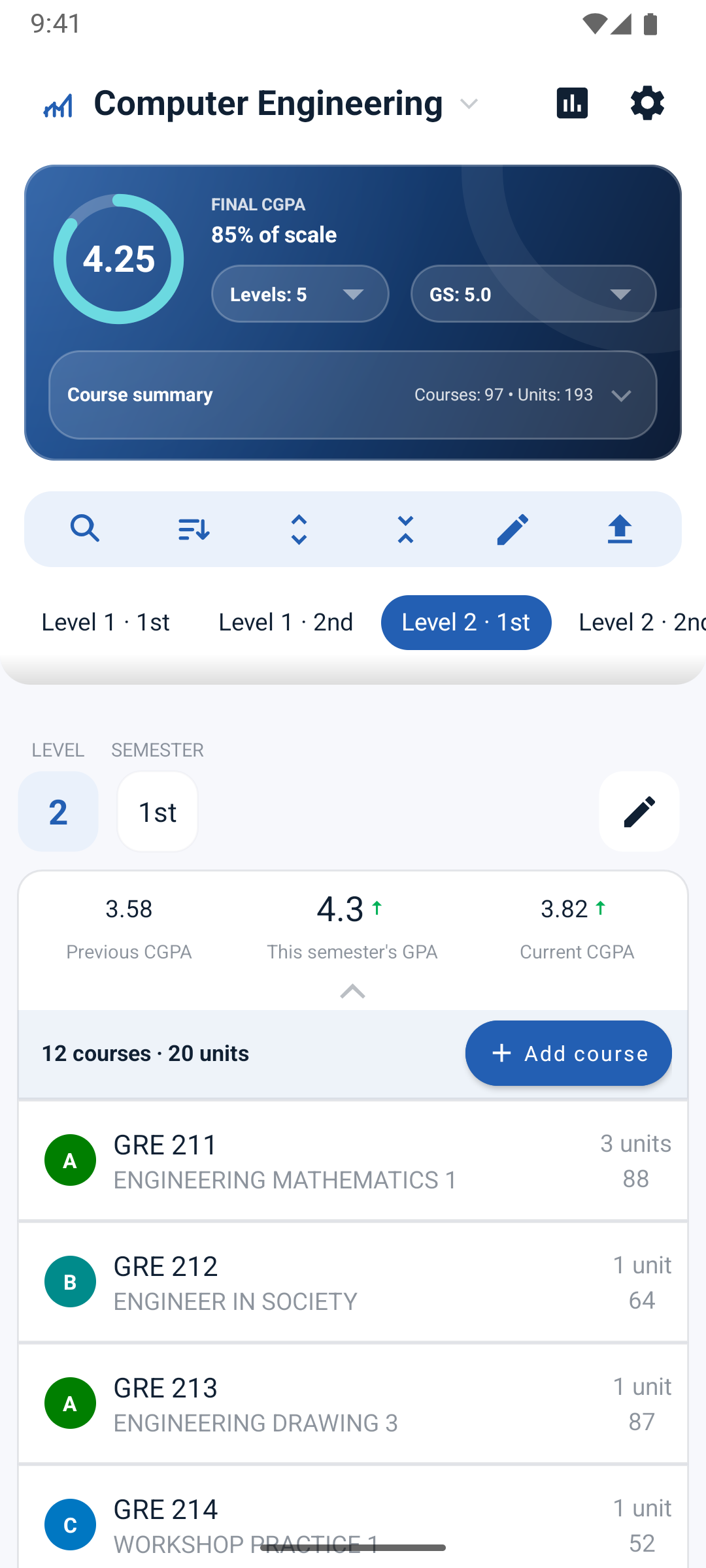
Your grades at a glance
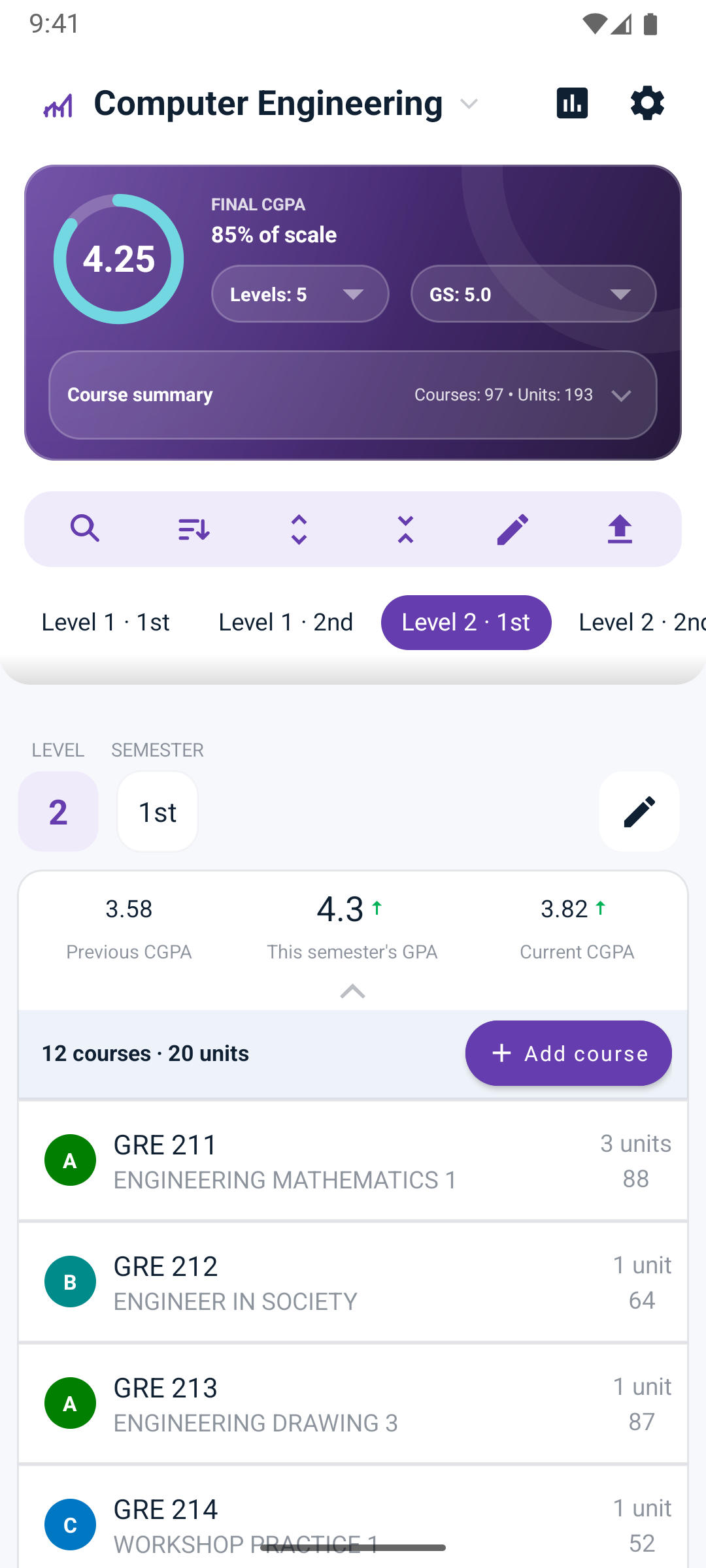
Your CGPA ring, percent of scale, levels and grading system on one card, with every semester below it.
-
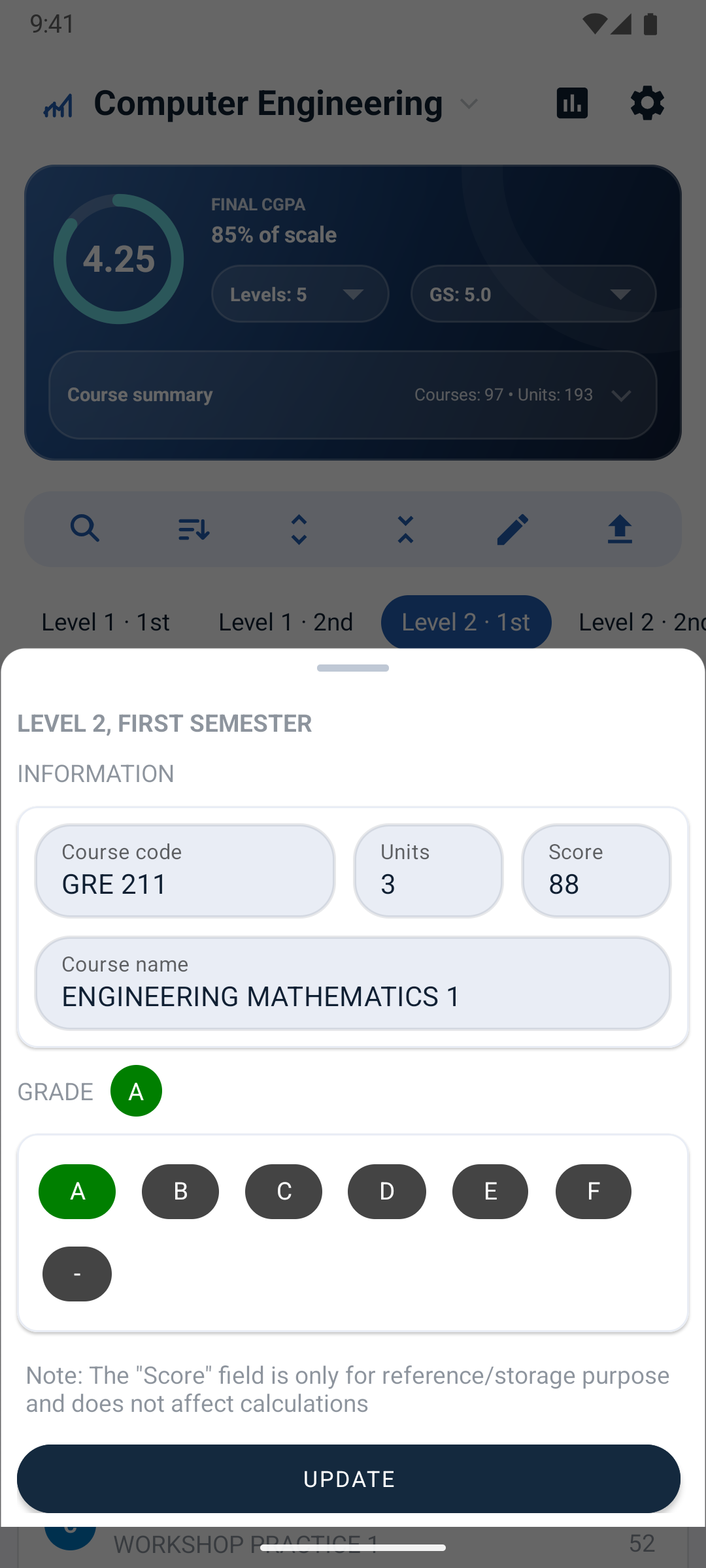
Update grades in seconds
Add a course with its code, title, units and grade, and watch the GPA move. Edit a whole semester, search, sort, and undo a deletion.
-
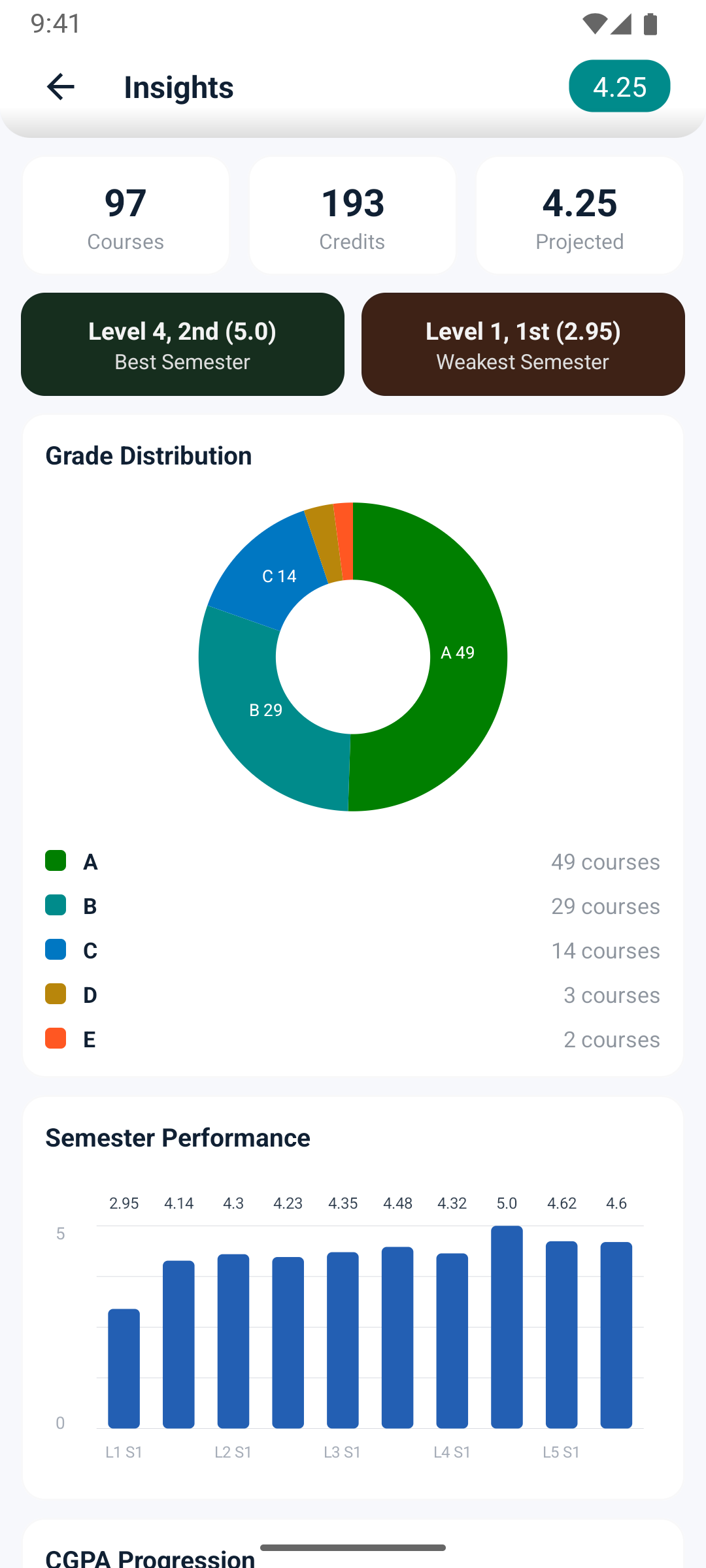
Watch your CGPA climb
Insights show your grade spread, your best and weakest semester, and your CGPA from first year to now.
-
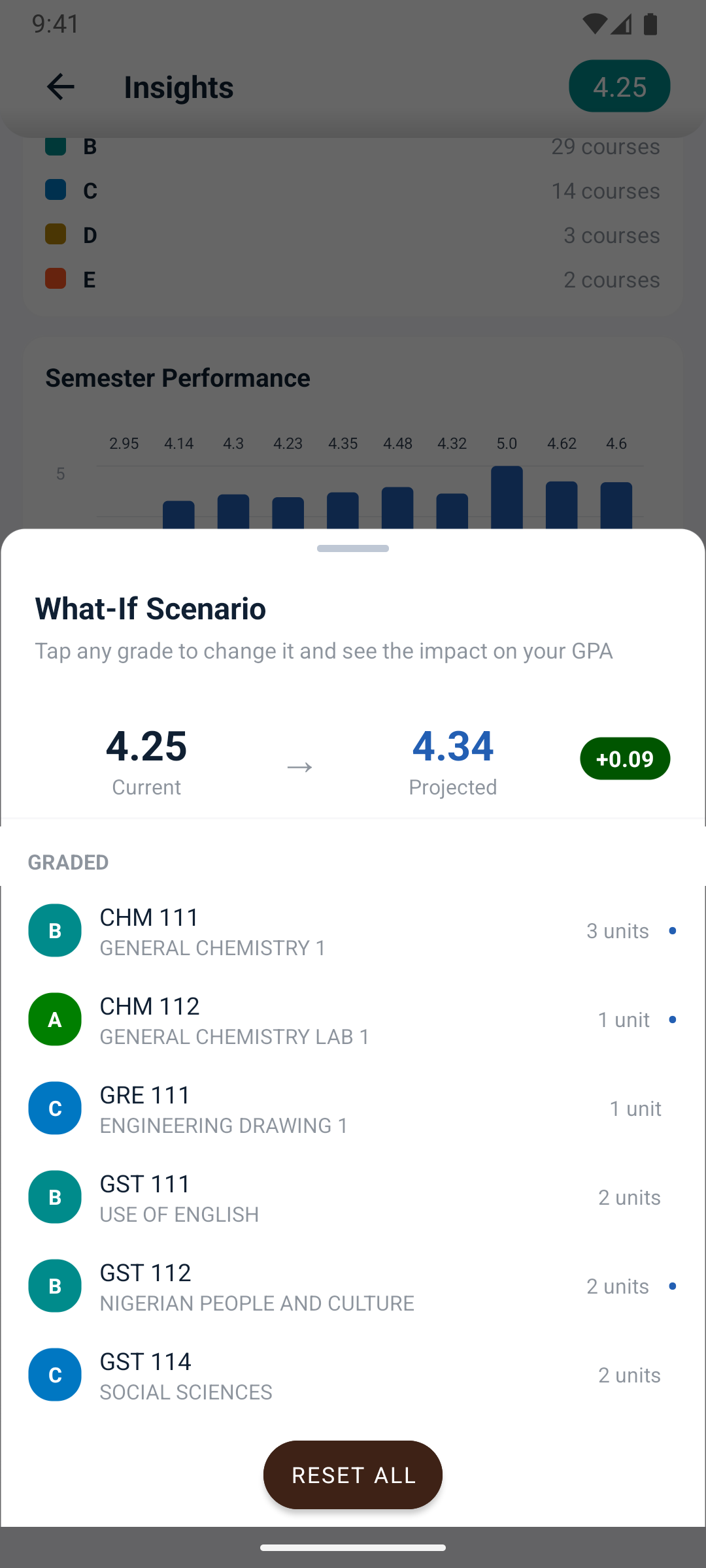
See how one grade moves your GPA
What-If lets you try grades for courses you haven't sat yet and shows where your CGPA would land.
-
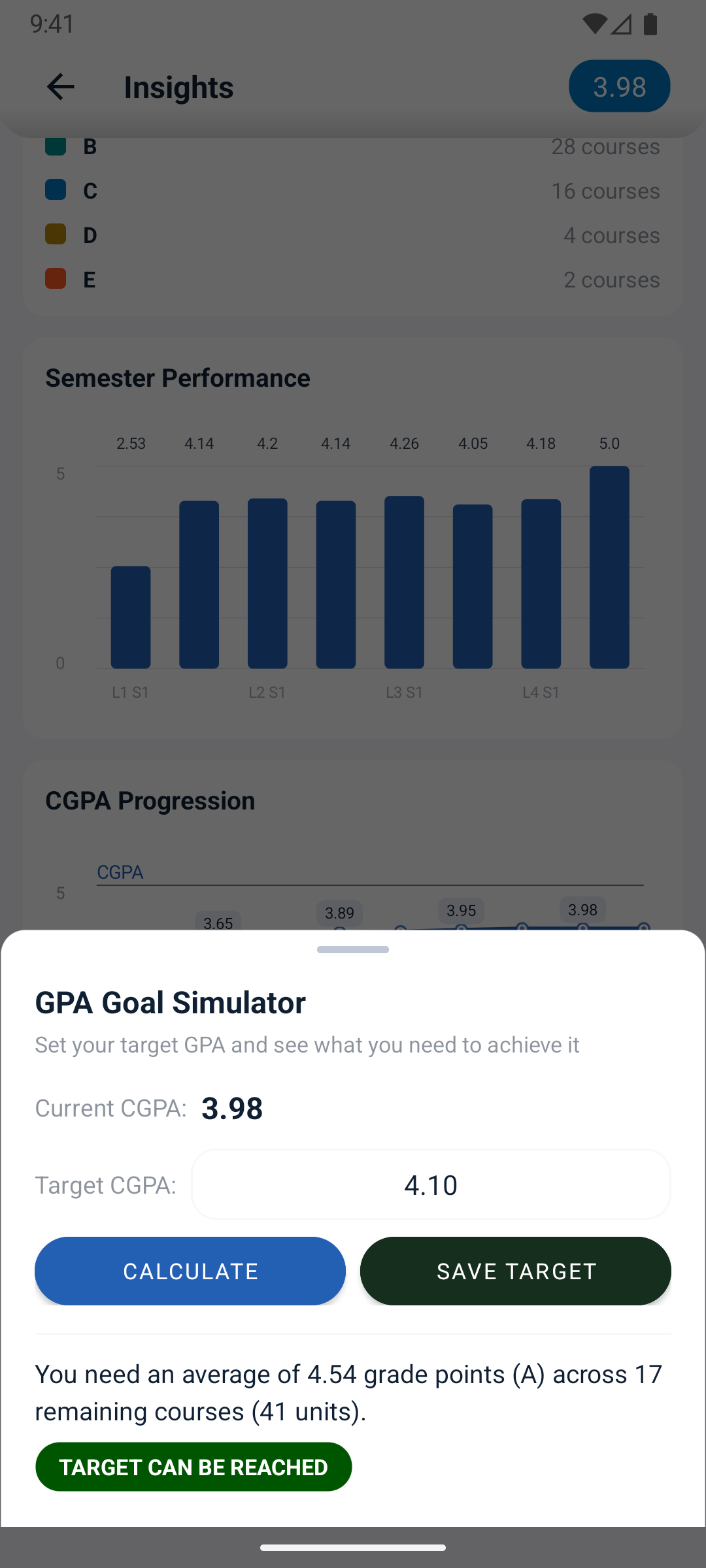
Know the grades you need
Set a target CGPA and see the average you need to reach it.
-

Start from your school's template
Import a course list shared by students from your school, or upload yours with every grade removed.
-
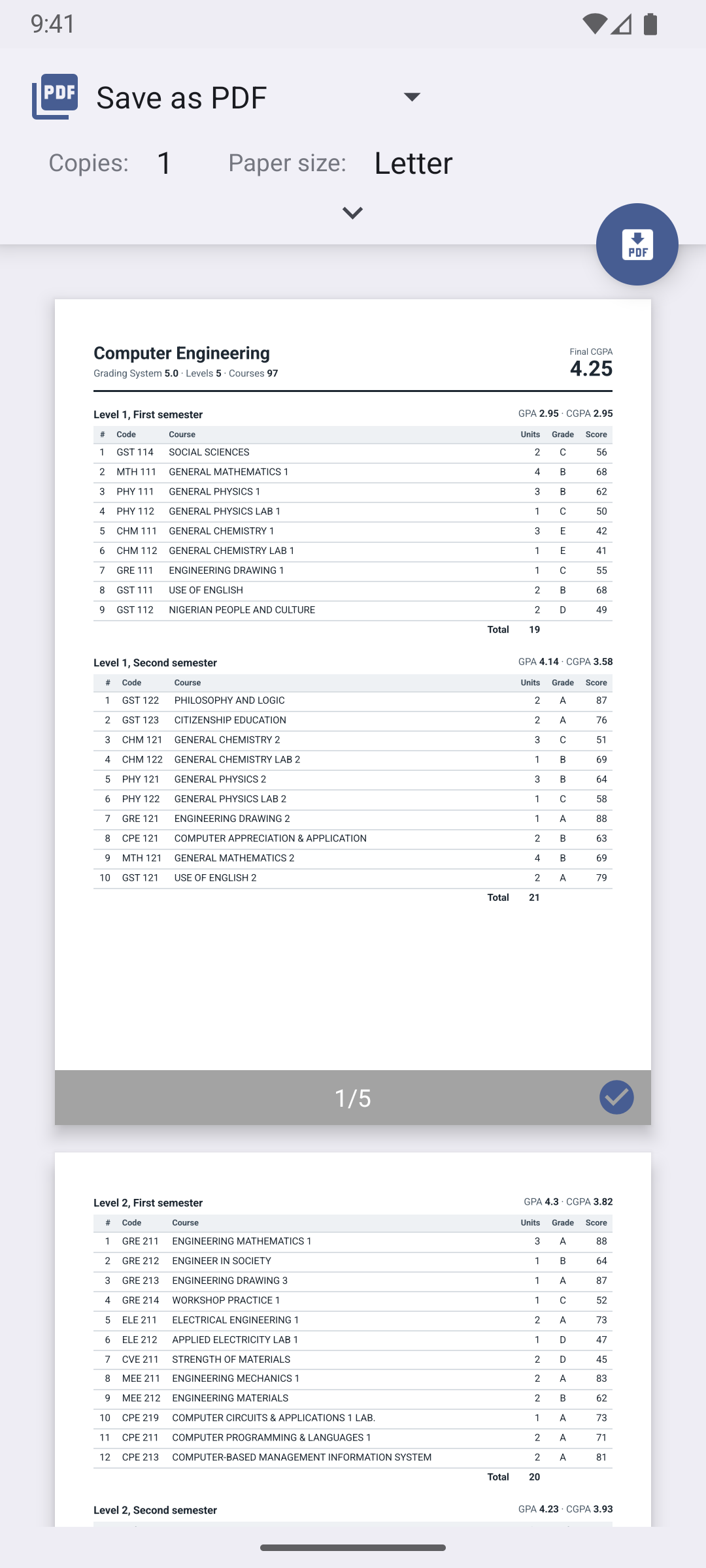
Print or save a clean PDF
Print your result or save it as a PDF, export Excel sheets with formulas, and back up your data.
Premium
-
Make it yours
Seven app colors in light and dark, on phones and tablets. Grade colors never change.
Your school's grading system
Five systems come built in, and seven more are a tap away, from Nigeria's 5.0 and NBTE scales to Ghana, Uganda, Malaysia, the USA and India's 10.0 scale.
Free, with Premium when you need more
Free
- One result, levels 1 and 2
- GPA and CGPA for every semester
- Insights and charts
- What-If and target CGPA
- Templates from other students
- All 12 grading systems
- Share course lists without grades
- Seven app colors
Premium
Everything in Free, plus:
- All 8 levels
- More results
- Excel export with formulas
- Print or save as PDF
- Share course lists with grades
- Backup and restore
Premium is a one-time purchase through Google Play. Prices are shown in Google Play and depend on your country.
Private by design
- Your results and grades stay on your phone.
- No account, no ads, no analytics.
- Templates you choose to upload are shared without grades.
Questions
Which grading systems does CeeMate support?
Twelve. 4.0, 5.0, NBTE 4.0, North Cyprus 4.0 and Bangladesh 4.0 come built in. Under Settings, Grading systems, you can add 4.0 scales for the USA, Ghana, Malaysia, Minna and Bangladesh (UIU), Uganda's 5.0 and Mumbai University's 10.0.
My school's scale isn't listed. What can I do?
Email us your school's grades and the points for each, and we can add it to the list every CeeMate user can download.
Are my grades uploaded anywhere?
No. Your results and grades stay on your phone. If you choose to upload a result as a template, CeeMate removes every grade first.
Does CeeMate work offline?
Yes. Only templates and extra grading systems need an internet connection.
How do I get Premium back on a new phone?
Install CeeMate with the same Google account. CeeMate checks Google Play and unlocks Premium on its own.
Is CeeMate free?
Yes. The free version covers one result and the first two levels. Premium is a one-time purchase that unlocks all 8 levels, more results, exports and backups.
Try CeeMate free
Premium is a one-time purchase through Google Play.